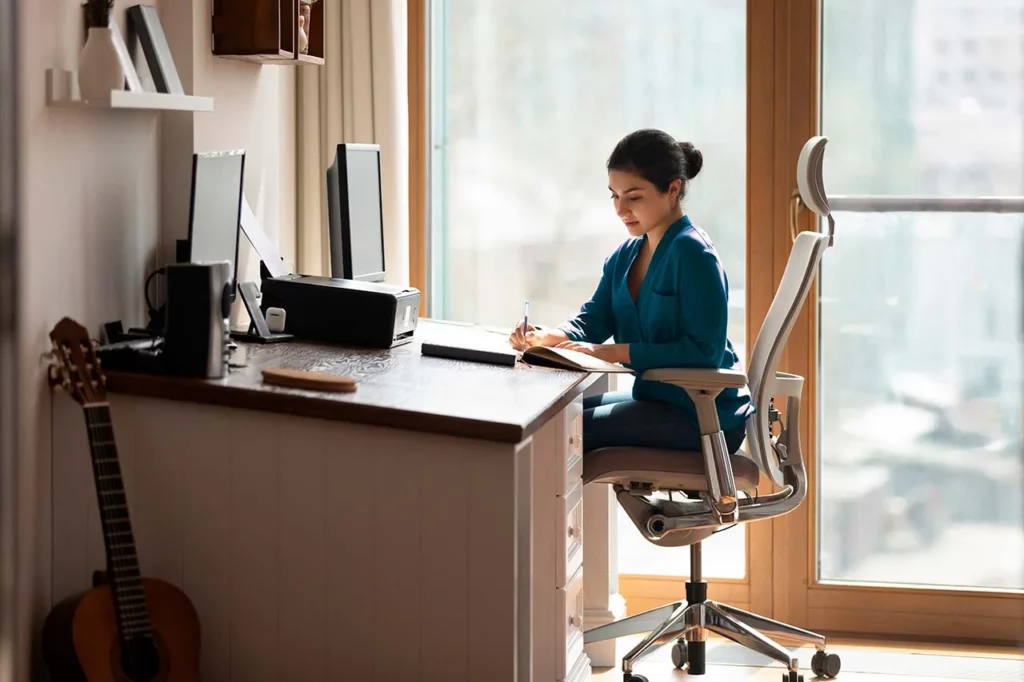
We know that, since the COVID-19 pandemic, home office or remote work is here to stay, as many companies have adopted a hybrid model, allowing employees to work in the office on some days and from home on others.
Although performing work duties from the comfort of home can have several advantages, it can also affect our physical and mental health, especially if we do not address a series of important factors for optimal work performance.
One of these key factors is ergonomics, since remaining seated for several hours without proper support can cause neck and back pain, circulation problems, and muscle tension, which can lead to tendinitis or carpal tunnel syndrome, among other musculoskeletal and nervous system conditions.
Performing our daily activities in an uncomfortable environment can undoubtedly cause stress and anxiety, lack of concentration, and eye fatigue, harming our mental and emotional health as well as our overall well-being.
Remember that ergonomics refers not only to the selection of accessories and furniture but also to maintaining proper postural hygiene and adopting healthy habits at work, both on-site and remotely.
Recommendations to improve ergonomics while working remotely
Avoid working in the living room, dining room, or bed to protect your posture and productivity.
Look for a quiet place with natural light and ventilation, free of noise or distractions, where you can place your desk near a window. Make sure there are no reflections on your computer screen to avoid eye strain. You can use desk lamps with adjustable white light to adjust the intensity to your needs.
Remember to use an ergonomic chair with side armrests that provide proper lumbar support to keep your back straight, shoulders relaxed, elbows bent at 90°, wrists straight, feet flat on the floor, and knees at a right angle. Adjust the chair height to achieve this position. Good posture will prevent contractures in the neck, shoulders, lower back, wrists, or hands.
As for the desk, it should be spacious enough to allow movement and organization of your work tools.
The keyboard and mouse should be placed on the desk, not on lower trays, as some work tables suggest.
Always seek comfort when carrying out your work activities by incorporating adjustable monitor stands, ergonomic keyboards, and vertical mice, which help reduce muscle and joint tension and promote a more natural posture.
Use exercise balls or ergonomic cushions to encourage physical activity and improve posture while working remotely.
Just like in the office, remember to take short breaks to relax your muscles, stretch, walk, rest your eyes, and drink water to stay well hydrated, which will positively affect your performance and productivity.
Incorporate breathing and relaxation techniques into your daily routine to stay focused on your tasks and learn to manage stress.
Ergonomics in remote work is just as important as in the office to ensure a healthy, efficient environment and to keep you fit and energized until the end of your workday.